
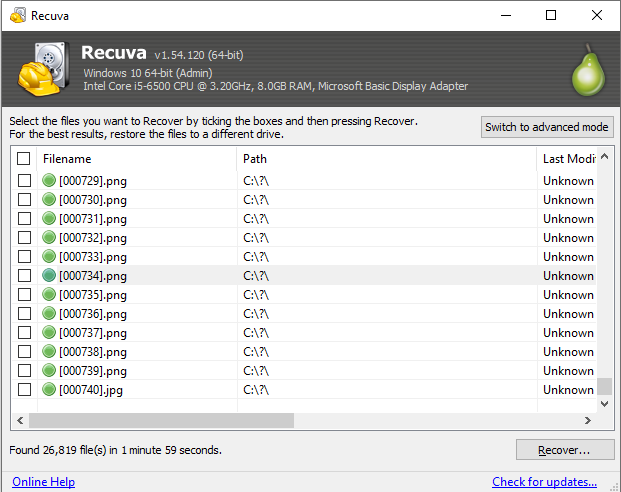
Writing recovered files onto the same volume you are scanning risks overwriting the very clusters you are trying to read. Even when the tool warns you, people still pick C:\ on the system drive or the root of the USB stick they are scanning, then wonder why the next pass finds less.
Prefer an internal SSD or HDD with plenty of free space, or a second USB drive you are not scanning. Create a dated folder (D:\Recovered\2026-04-07) so you do not merge multiple attempts by accident.
Checklist
- Destination format must fit file sizes (exFAT/NTFS for videos over 4 GB on FAT32).
- Avoid cloud-synced Desktop or Documents as the output if the client might upload or dedupe mid-recovery.
- Keep one untouched copy of the source disk if you can; image or clone before repeated experiments on failing media.
Space errors: Fixes. Flow overview: How it works: flow.